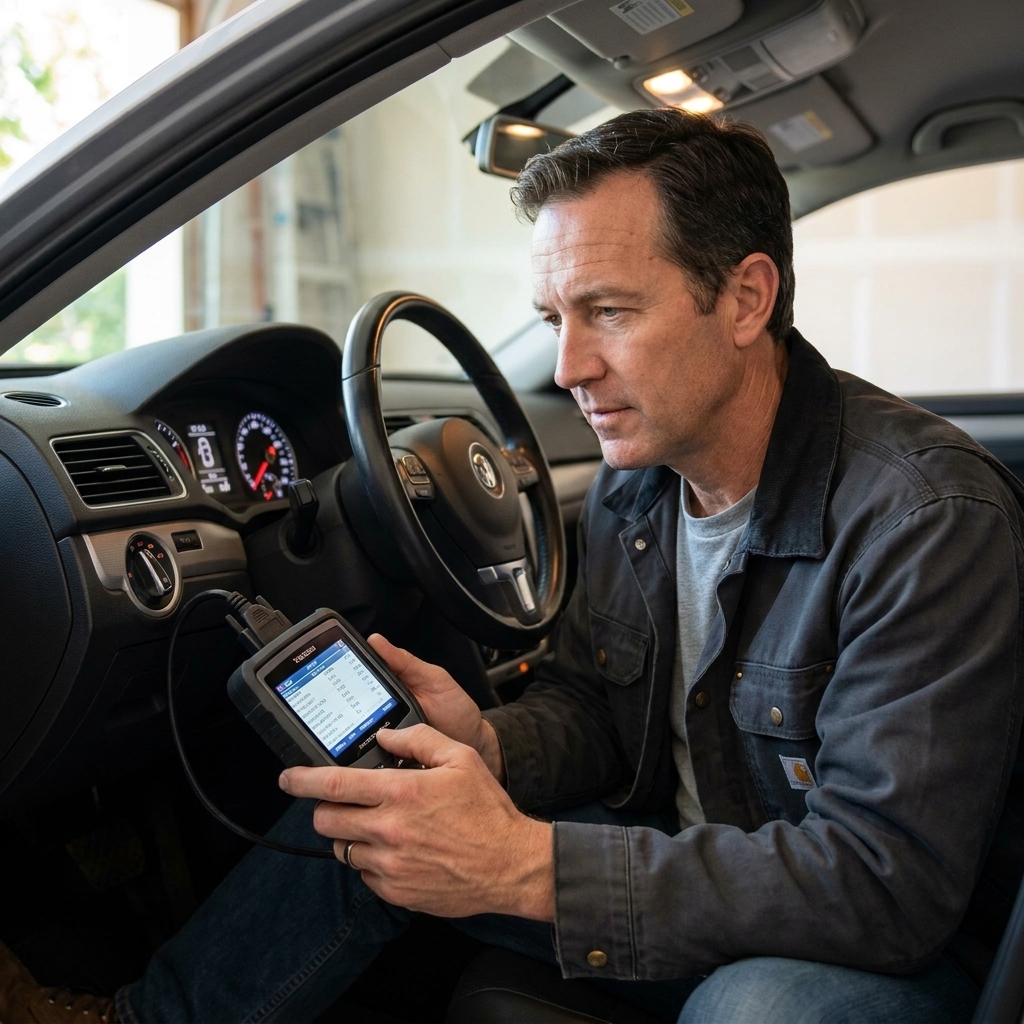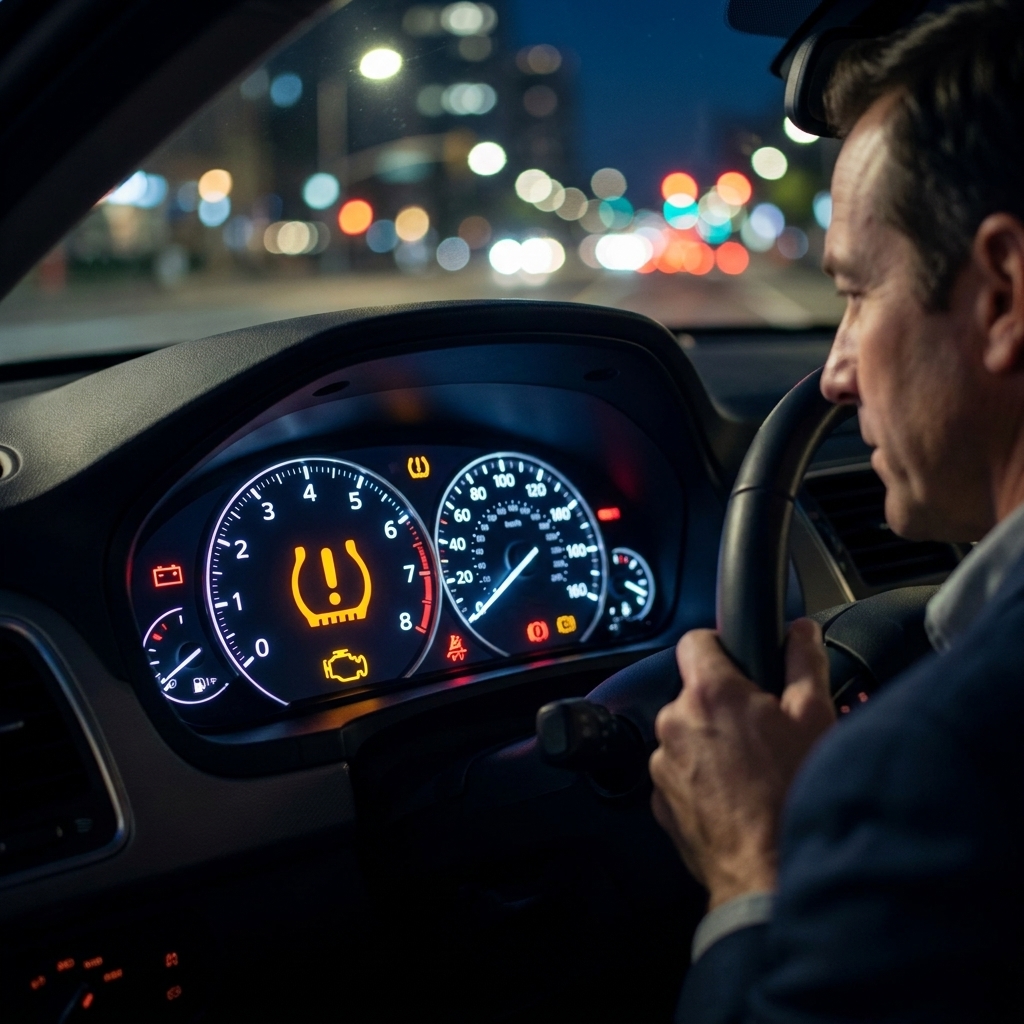
If you have ever stared at a check engine light like it was judging you, welcome to the club. An OBD2 scanner is the tool that turns that mystery light into a starting point: a trouble code, some data, and a plan. The big question for DIYers is whether to go with a phone-based Bluetooth dongle or a traditional handheld scanner.
I have used both in busy bays and in my own driveway with cold coffee and classic rock in the background. The truth is neither is “best” for everyone. The right choice depends on what you drive, how deep you want to diagnose, and how much you value convenience versus reliability.
Quick refresher: what OBD2 can and cannot do
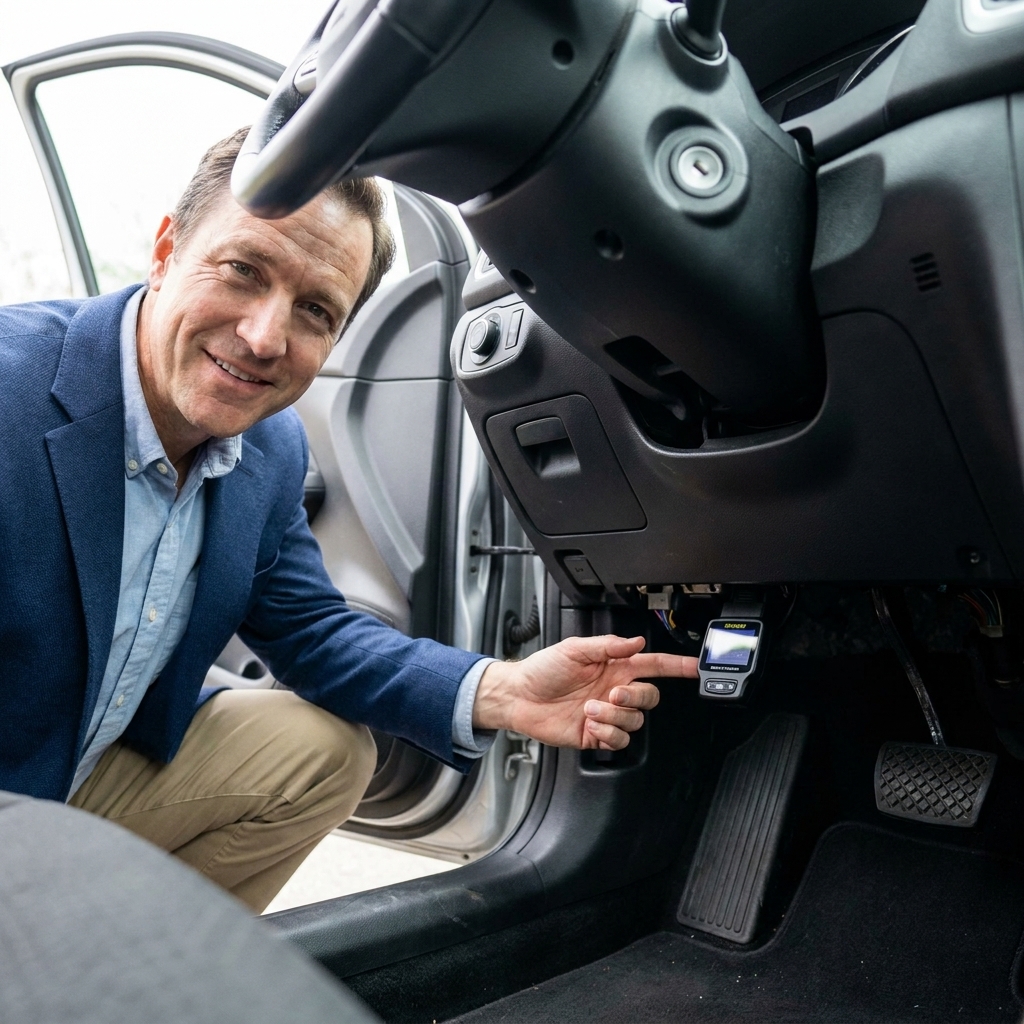
OBD2 is the standardized diagnostic system on most US-market vehicles from the mid to late 1990s and newer. Most 1996 and newer gasoline cars and light trucks are covered, and diesels are generally late-1990s and up, but there are edge cases depending on year, weight class, and manufacturer.
At the bare minimum, OBD2 can:
- Read generic powertrain codes (the common P0xxx codes)
- Clear codes and turn off the check engine light (if the issue is fixed)
- Show readiness monitors for emissions testing
- Display basic live data like coolant temp, O2 sensor activity, fuel trims, and more
What OBD2 usually cannot do with cheap tools is dealer-level module access. Airbag, ABS, body control, and manufacturer-specific functions often require more advanced scanners, paid software, or brand-specific tools. Some prosumer tools get surprisingly close, but you still want to verify coverage for your exact make and model.
Think of OBD2 like a flashlight in a dark garage. Even a basic one helps you see. A better one helps you see the corners.
Bluetooth OBD2 scanners: what they are
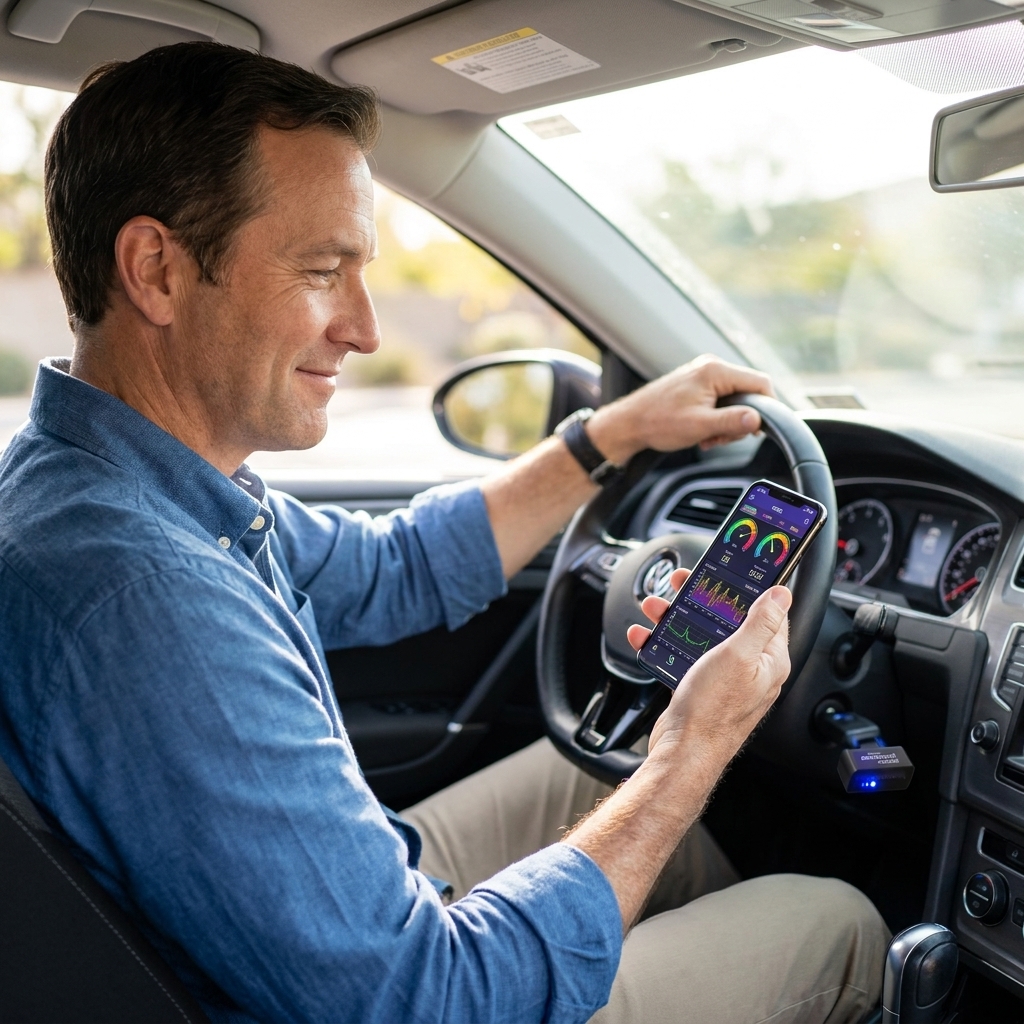
A Bluetooth OBD2 scanner is usually a small dongle that plugs into the OBD2 port and talks to an app on your phone or tablet. Some use Bluetooth Classic (often Android-friendly), some use Bluetooth Low Energy (often iPhone-friendly), and some use Wi-Fi instead of Bluetooth.
Why DIYers love them
- Great bang for the buck: You can get a lot of features for the price, especially if the app is solid.
- Big, readable screen: Your phone is easier to read than most handheld displays.
- Live data feels “modern”: Graphing fuel trims, O2 sensors, and other data on a phone is genuinely useful.
- Easy logging: Many apps let you record data while you drive, then review it later.
- Updates over time: Apps can add features and fix bugs without buying new hardware.
The tradeoffs
- App quality varies wildly: The dongle matters, but the app matters just as much. A cheap dongle with a flaky app is a headache.
- Connection issues happen: Pairing, permissions, and dropped connections are not rare, especially on older phones.
- Privacy and security concerns: Ultra-cheap adapters and unknown apps can have sloppy security, always-on Wi-Fi hotspots, unclear data collection, or weak pairing behavior. If you would not install the app on your main phone, do not plug the dongle into your car.
- Not always iPhone-friendly: Many low-cost Bluetooth dongles only work well with Android. iPhone users often need BLE-compatible hardware or Wi-Fi units.
A quick word on adapter quality
This is where “Bluetooth scanner” splits into two worlds. There are reputable adapters and there are bargain-bin ELM327 clones that can be flaky, slow, or inconsistent from one unit to the next. Better adapters tend to connect more reliably, support more protocols cleanly, and include smarter sleep modes so you can leave them plugged in without as much worry.
Handheld OBD2 scanners: what they are
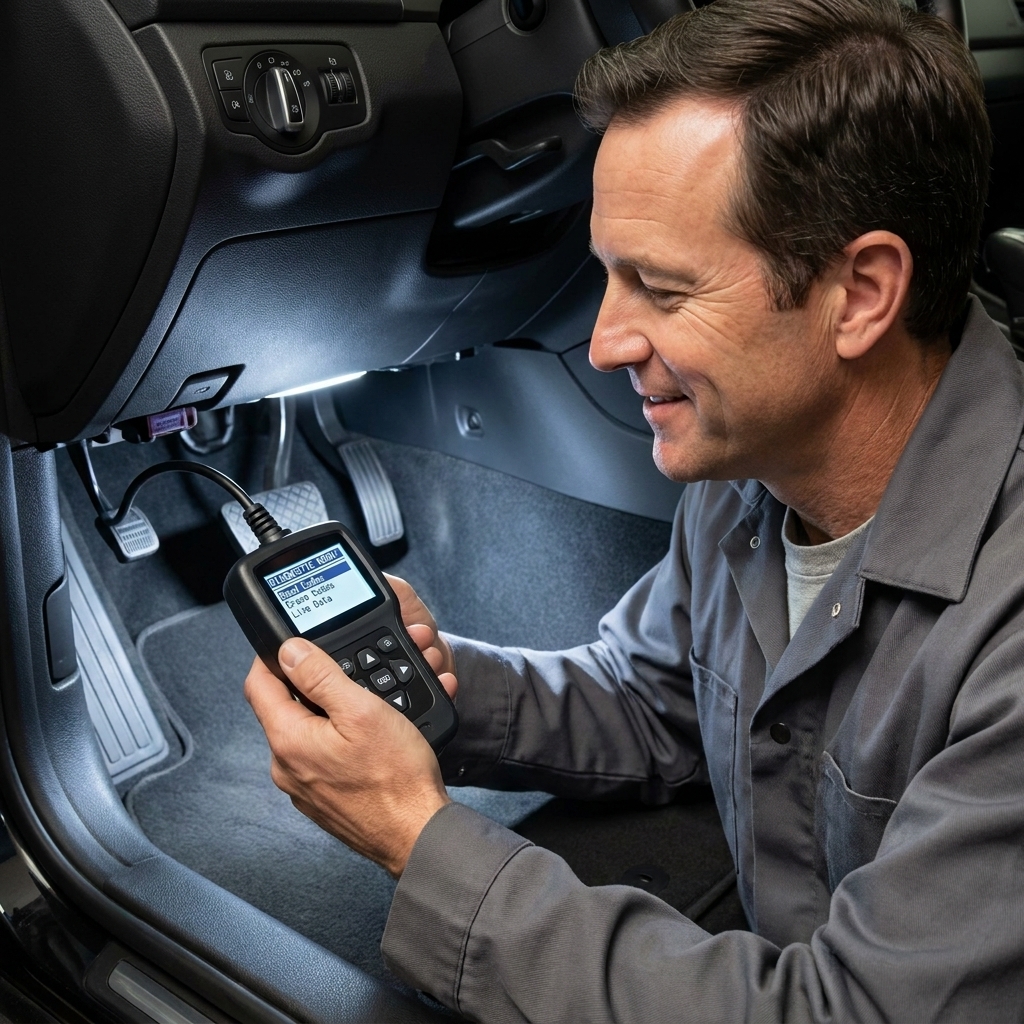
A handheld scanner is a standalone device with its own screen and buttons. You plug it in, it powers up, and you navigate menus to read codes, view data, and run tests depending on the model.
Why they still make sense
- They just work: No pairing, no app permissions, no notifications popping up mid-scan.
- Consistent experience: The tool behaves the same every time, regardless of phone updates.
- Often faster for basic tasks: If all you need is “read code, clear code, check monitors,” handhelds are hard to beat.
- Better for glovebox duty: Toss it in the car for road trips and it is always ready.
The tradeoffs
- Smaller screens: Live data is usable, but not always pleasant to interpret.
- Updates can be clunky: Some require a computer connection, subscriptions, or they simply never get updated.
- Feature ceiling: Many budget handheld readers stop at generic codes and basic data.
Head-to-head: what matters for DIY diagnostics
1) Reading and clearing codes
Winner: tie. Both Bluetooth and handheld tools can read and clear generic OBD2 codes. The difference shows up in how clearly they display descriptions and whether they pull manufacturer-specific codes.
If you are chasing something common like an evap leak (P0440 to P0457) or a random misfire (P0300), either style can get you started.
2) Live data and making sense of it
Winner: Bluetooth (usually). The ability to graph and log data on a phone is a big deal. Watching short-term and long-term fuel trims change with throttle and load can point you toward a vacuum leak, fuel delivery issue, or MAF problem faster than guessing.
Some apps and vehicles will also show misfire data or counters, but that is very much a “where supported” feature. Many cars do not expose it through generic OBD2 data without enhanced or manufacturer-specific PIDs.
That said, a better handheld scanner can show excellent live data too, just with less screen real estate.
3) Readiness monitors for emissions
Winner: tie. If your goal is to check readiness after a repair or after clearing codes, both types can handle it. The key is buying a tool that clearly shows monitor status (ready, not ready, unsupported) without making you dig.
4) ABS, airbag, and other modules
Winner: depends on the exact tool. This is where shoppers get burned. Many basic OBD2 readers, especially cheap ones, only talk to the engine computer.
Some Bluetooth setups can access ABS and SRS with the right app and a capable adapter. Some higher-end handheld scanners include multi-system diagnostics out of the box. If your main mission is an ABS light or airbag light, do not assume any OBD2 tool will handle it. Confirm it supports your vehicle make and the system you care about.
5) Special functions: EPB, steering angle, relearns
Winner: often handheld, sometimes Bluetooth. Maintenance functions (often called service functions or bidirectional controls) tend to live in the mid-tier and pro-tier tools. Many of the popular options for DIYers are handheld units that include things like:
- Electronic parking brake (EPB) service mode for rear brake jobs
- Battery registration on some European cars
- Oil service reset
- Steering angle sensor calibration
- ABS bleed functions (tool-dependent and vehicle-dependent)
Bluetooth tools can do some of this too, but it frequently involves paying for app modules or subscriptions. Not a deal-breaker, just something to budget for.
6) Speed and reliability in the driveway
Winner: handheld for simplicity, Bluetooth for flexibility. If you want a tool that works even when your phone is dead, you will appreciate a standalone reader. If you want the most flexibility and best data viewing for the money, Bluetooth is hard to ignore.
7) Newer vehicles and compatibility
Winner: depends, and it is worth checking. Most modern cars speak CAN, and most modern scanners handle it. But newer model years can still expose quirks: faster data streams, extra modules, gateway behavior, and manufacturer-specific diagnostics that generic tools cannot touch. Before you buy, make sure the tool explicitly supports your vehicle year and brand, especially if you drive something newer, European, or packed with driver-assist systems.
Costs: the hidden math people miss
Bluetooth looks cheaper at first because the dongle can be inexpensive. But the total cost can include:
- Paid app upgrades for enhanced diagnostics
- Make-specific packs for certain brands
- Subscriptions for advanced functions, coding, or bidirectional tests
Handheld scanners cost more upfront, but many include their core features without subscriptions. Some do have update fees, so read the fine print.
My rule from the shop days: buy the tool for the job you are doing twice. If it is a one-time curiosity scan, go simple. If you are keeping an older car alive or maintaining multiple vehicles, invest a little more.
Which one should you buy?
If you are stuck, here are a few real-world profiles that match what I see in driveways.
Bluetooth is a great fit if you are:
- Chasing a check engine light on a daily driver and you want to learn what fuel trims and sensors are doing
- Dealing with intermittent issues and you want to log data on a test drive
- Maintaining one older commuter and you want the most info for the least money
Best for: Basic emissions troubleshooting, weekend DIYers, and anyone who learns better with graphs and clear descriptions.
Handheld is a great fit if you are:
- Checking codes and readiness quickly, especially before an emissions test
- Keeping a tool in the glovebox for road trips and family cars
- Not interested in app setup and you want it to work every time
Best for: People who want a dedicated device, folks who lend tools to family, and DIYers who prefer a single-purpose tool that does not distract.
If you can only buy one
For most DIYers, I lean Bluetooth if you enjoy learning and you want to look at live data. But if you are the type who just wants answers fast, a good handheld is the most frustration-free option.
What to look for in any scanner
- Mode $06 support: This shows on-board test results that can help catch issues before a code sets, especially on emissions problems.
- Freeze frame data: A snapshot of conditions when the code set. Super helpful for intermittent faults.
- Live data PIDs: PIDs are parameter IDs, basically the individual data items your car reports. Look for the ones you actually need: coolant temp, fuel trims, O2 or A-F sensors, RPM, load, MAP or MAF, and misfire data where available.
- Readiness monitor display: Clear, easy-to-find emissions readiness status.
- VIN and vehicle info: Nice for keeping records and confirming you are scanning the right car.
- Solid return policy: Compatibility can be quirky, especially with newer vehicles and certain phone models.
Common DIY mistakes
Clearing codes before you look
Clearing a code also wipes freeze-frame data and resets readiness monitors. Always read the code, read the description, and grab the freeze frame first.
Assuming the code names the bad part
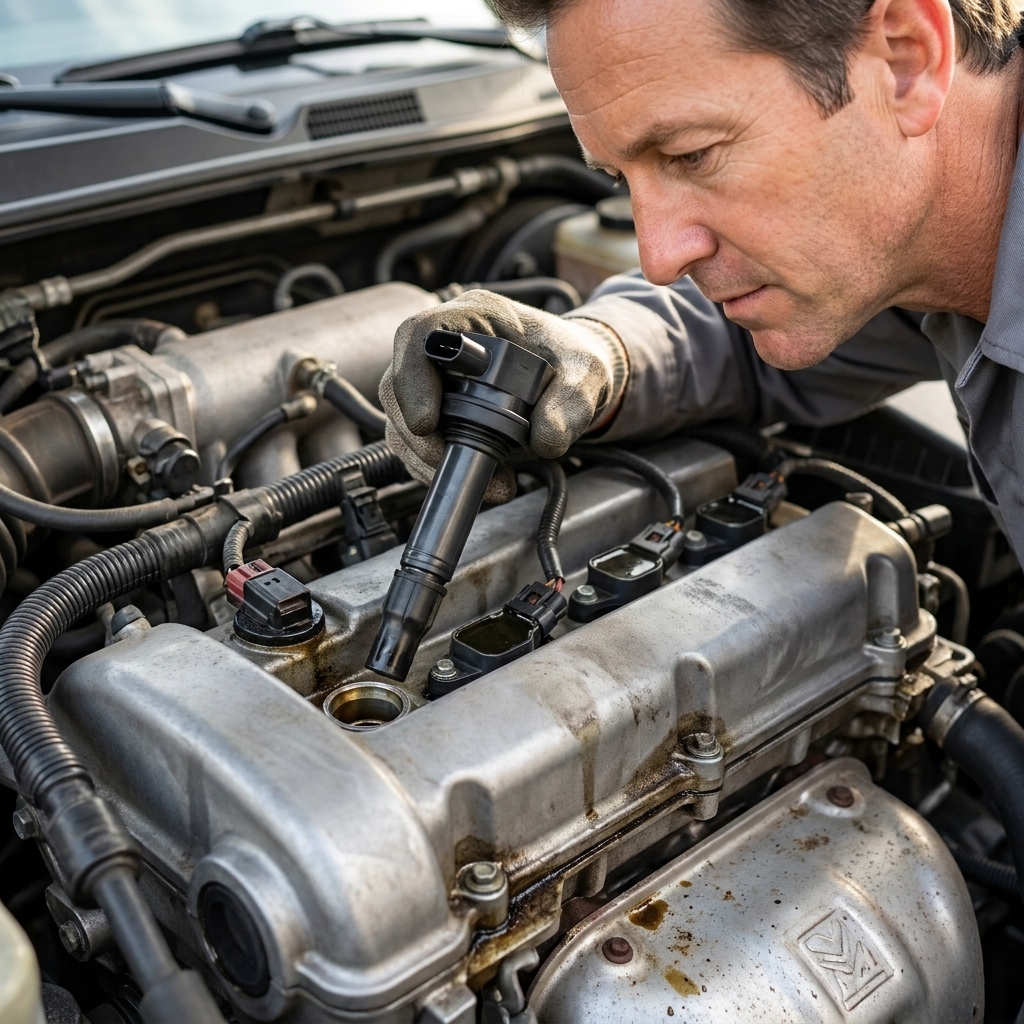
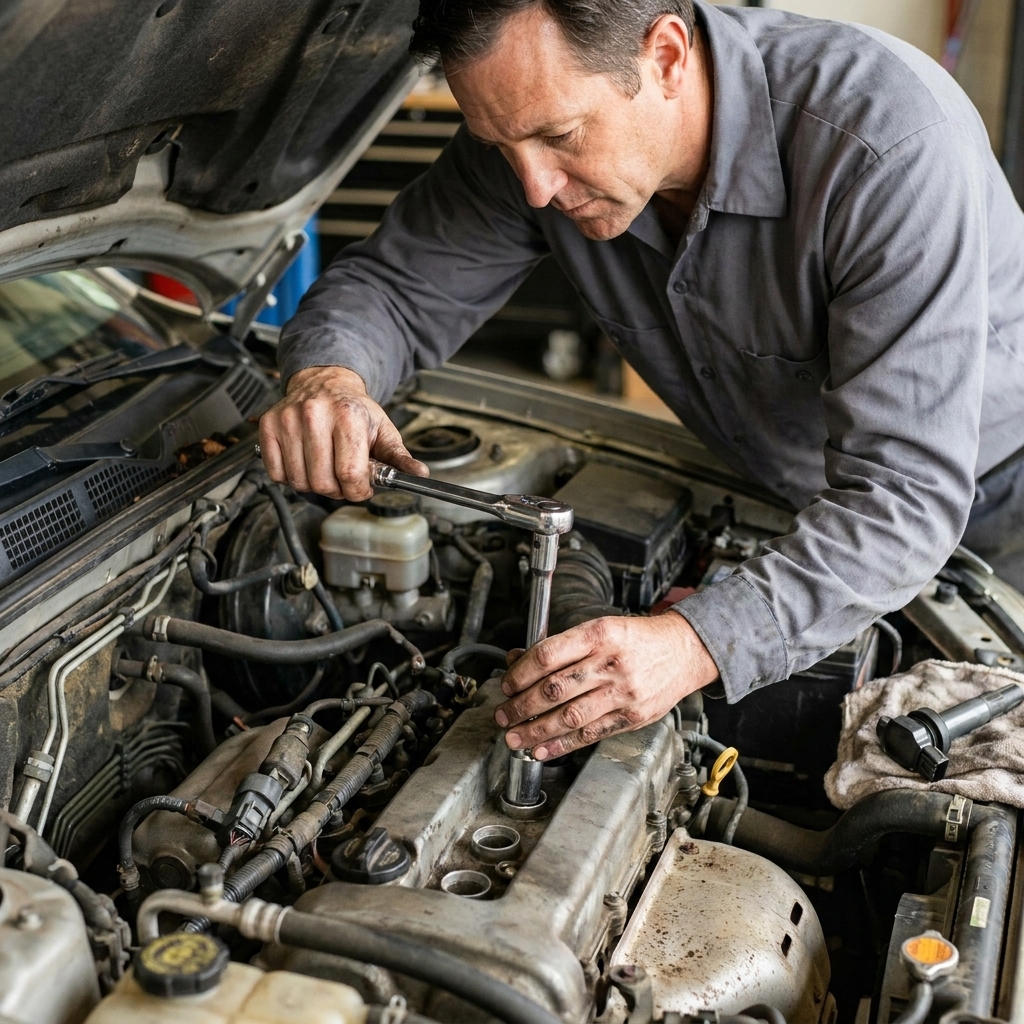
A code is a symptom, not a receipt. A P0171 (system too lean) might be a vacuum leak, dirty MAF, weak fuel pump, exhaust leak, or even bad data from a sensor.
Ignoring the basics
Before you buy parts, do a quick under-hood check. Loose intake boot, cracked vacuum line, corroded battery terminals, blown fuse. The unglamorous stuff fixes a lot of “mystery” problems.
Leaving a cheap dongle plugged in forever
Some vehicles keep the OBD2 port powered with the key off. That can slowly drain the battery. If your car sits, unplug it.
FAQ
Will a Bluetooth OBD2 scanner work on iPhone?
Often yes, but you need to buy one that is compatible with iOS. Many low-cost dongles use Bluetooth Classic, which iPhones generally do not support for this use. Look specifically for BLE compatibility or choose a Wi-Fi based unit.
Can either tool diagnose an ABS light?
Only if the scanner supports ABS diagnostics for your vehicle. Basic OBD2 code readers frequently cannot. Confirm ABS coverage before buying if that is your main issue.
Do I need bidirectional controls?
Not for basic check engine light work. But bidirectional control is a game-changer for deeper DIY diagnostics, like commanding a purge valve on and off, running an EVAP test, or cycling ABS solenoids during bleeding on some vehicles.
Is it safe to clear a check engine light?
It is safe in the sense that you will not hurt the car by clearing codes, but it can hide a problem temporarily and it will reset readiness monitors. If the underlying issue is still there, the light will come back.
My bottom line
If you want maximum learning and the best view into what your engine is doing, a quality Bluetooth dongle paired with a reputable app is hard to beat. If you want dead-simple reliability and a tool that does not depend on your phone, a handheld scanner is the steady old friend that always shows up.
Either way, the real win is this: the next time that dashboard light pops on, you will not be guessing. You will be diagnosing. And that is how you save money and keep control of your own car.