If your key fob only works when you are basically hugging the driver door, your car is not being dramatic. The fob is struggling to transmit. In my shop days, this was one of the most common "my car is acting up" complaints, and very often the fix was a simple coin-cell battery and two minutes of patience.
But not always. Short range can also come from interference, a damaged fob, or (less commonly) an issue with the car’s receiver antenna. Let’s walk it down step-by-step, starting with the quickest checks.
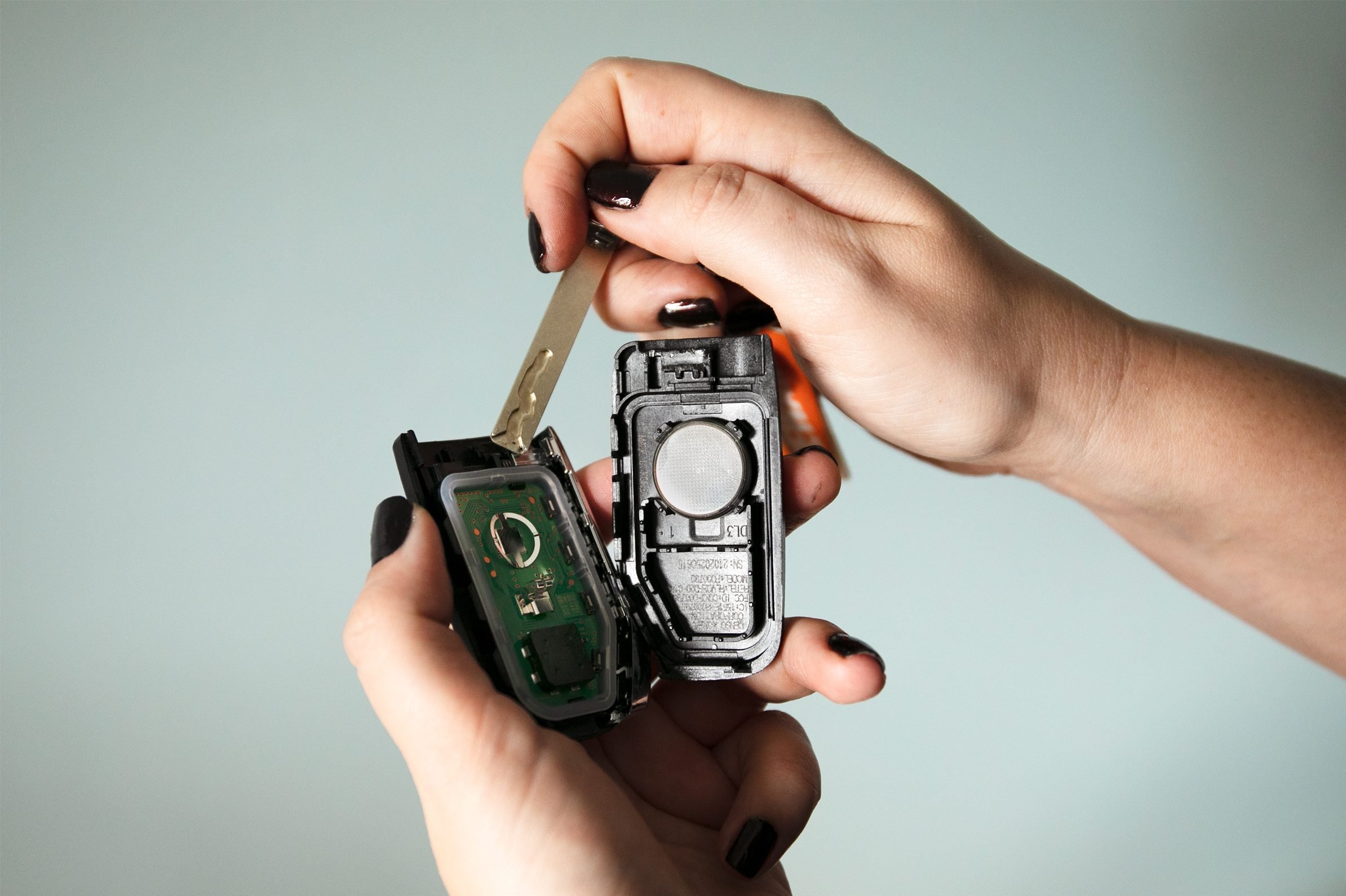
What “only works next to the door” usually means
Your remote buttons (lock, unlock, trunk, panic, remote start) are powered by a small coin-cell battery inside the fob. When that battery gets weak, the fob can still light up or still sometimes work, but its signal strength drops. That is why you end up having to stand right next to the door, press harder, or try multiple times.
This is separate from your car’s 12-volt starting battery and alternator. Even if the vehicle starts and drives perfectly, your fob can still be dying because it lives on its own tiny battery.
Quick clue
If the fob works better after you warm it in your hand, or worse on cold mornings, that also points to a weak coin-cell.
Two fast tests before you buy anything
1) Try the spare fob
If you have a second fob, test it from the same distance.
- Spare works normally: your primary fob is the problem (battery, loose contacts, internal damage, worn buttons).
- Spare also has terrible range: think interference, a vehicle-side receiver issue, or both fobs are overdue for batteries.
2) Check for location-specific interference
I have seen perfectly good fobs “act dead” in one driveway and work fine at the grocery store. Most key fobs are not being jammed by Wi-Fi itself. What bites people is usually general electrical noise (EMI) from electronics and power supplies near the garage.
Common culprits include:
- Routers, mesh systems, and smart hubs (more about the power supplies and nearby electronics than the Wi-Fi signal)
- Wireless security cameras or video doorbells
- Cell boosters, ham radios, or nearby radio transmitters
- LED lighting drivers, cheap chargers, and other noisy power adapters
Test: stand 30 to 50 feet away with the car in the open (as much line of sight as you can get) and try the fob. Then try it in a different parking lot. If the range comes back, your fob is probably fine, and you are dealing with interference at that location.
Most likely fix: replace the coin-cell battery
If the spare fob is better, or if both fobs are old and weak, start with a battery. It is the cheapest, fastest win.
Find the correct battery type and polarity
Do not guess. The battery number is usually:
- Printed in your owner’s manual (best source)
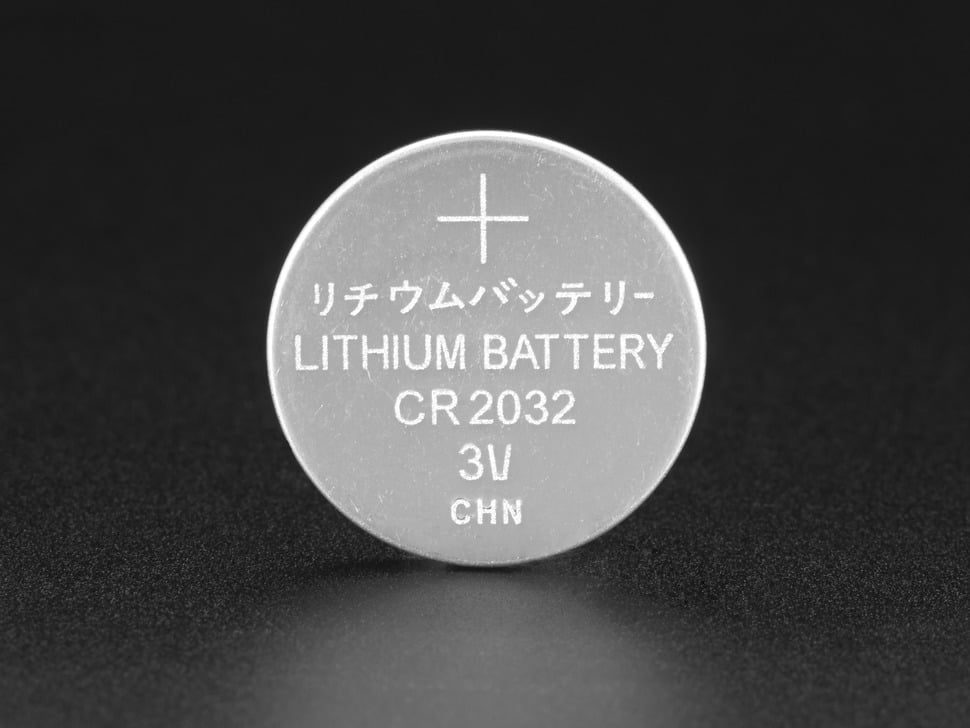
- Stamped on the old coin-cell itself (common types include CR2032, CR2025, CR2016)
- Sometimes printed inside the fob case
Polarity matters. Before you pop the old one out, note which side faces up. The “+” side is usually the side with writing, but the fob design decides what “up” means. Match what came out.
How to swap it without breaking the case
- Use the mechanical key (if your fob has one) to help open the housing. Some designs want you to remove the emergency key and separate that section first.
- Use a plastic trim tool or a taped flat screwdriver. Work slowly along the seam.
- Do not pry on the circuit board. Pry on the case halves only.
- Watch the seal. Some fobs have a gasket for water resistance. Gouging it or pinching it on reassembly is an easy way to invite moisture later.
- Install the new battery in the same orientation as the old one.
- Check the battery contacts. If the battery feels loose or the fob was dropped a lot, the little metal tabs may not be applying firm pressure. Very gently bend the contact tabs so the battery sits snug and makes solid contact.
- Snap the case together evenly all around.
- Test lock and unlock from 15 to 30 feet away.
If it still will not respond right after a battery swap: double-check orientation and battery type, then try pressing lock and unlock a few times. On some vehicles it helps to start the car once (or cycle ignition) to “wake” everything back up. True reprogramming is uncommon after a simple battery change, but a quick resync attempt is worth trying before you assume the worst.
Button cell safety
I am going to put on my dad-voice for a second because this one is serious. Coin-cell batteries are dangerous if swallowed. They can cause severe internal burns fast.
- Keep new and used coin-cells away from children and pets.
- Do not leave the old battery on the counter “for a second.” That is exactly how it disappears.
- Dispose of used batteries properly (many auto parts stores and hardware stores have battery recycling).
If a new fob battery does not fix the range
When a fresh coin-cell does not bring your range back, here is what I would check next, in order.
Worn buttons or damaged contacts inside the fob
If you have to press extra hard or at a weird angle, the rubber button pad or the little switch on the circuit board may be worn.
- If the fob has been dropped a lot, stepped on, or gotten wet, internal damage is likely.
- Some fobs can be refurbished with a new shell and button pad, but if the circuit board is failing, replacement is the real fix.
Moisture or corrosion
A fob that went through the wash might still “sort of” work with terrible range. If you open it and see green crust, white residue, or a sticky film, corrosion is usually creating bad connections and extra resistance, which makes the fob unreliable.
If you are comfortable DIYing: remove the battery, let it dry completely, and gently clean corrosion with 90 percent or higher isopropyl alcohol and a soft brush. If that sounds like a bad time, a locksmith or dealer can test the fob output and advise.
Interference at home that will not quit
If the fob works fine everywhere except your driveway or garage, solve it like an interference problem:
- Try locking and unlocking from different sides of the vehicle.
- Turn off nearby electronics one at a time (smart hubs, cameras, routers, LED lights) and re-test.
- If the issue started after installing a new wireless device or LED lighting, that is your prime suspect.
Vehicle-side receiver, power, or antenna problem
This is less common, but it happens. Symptoms include both fobs having equally poor range everywhere, even with fresh batteries.
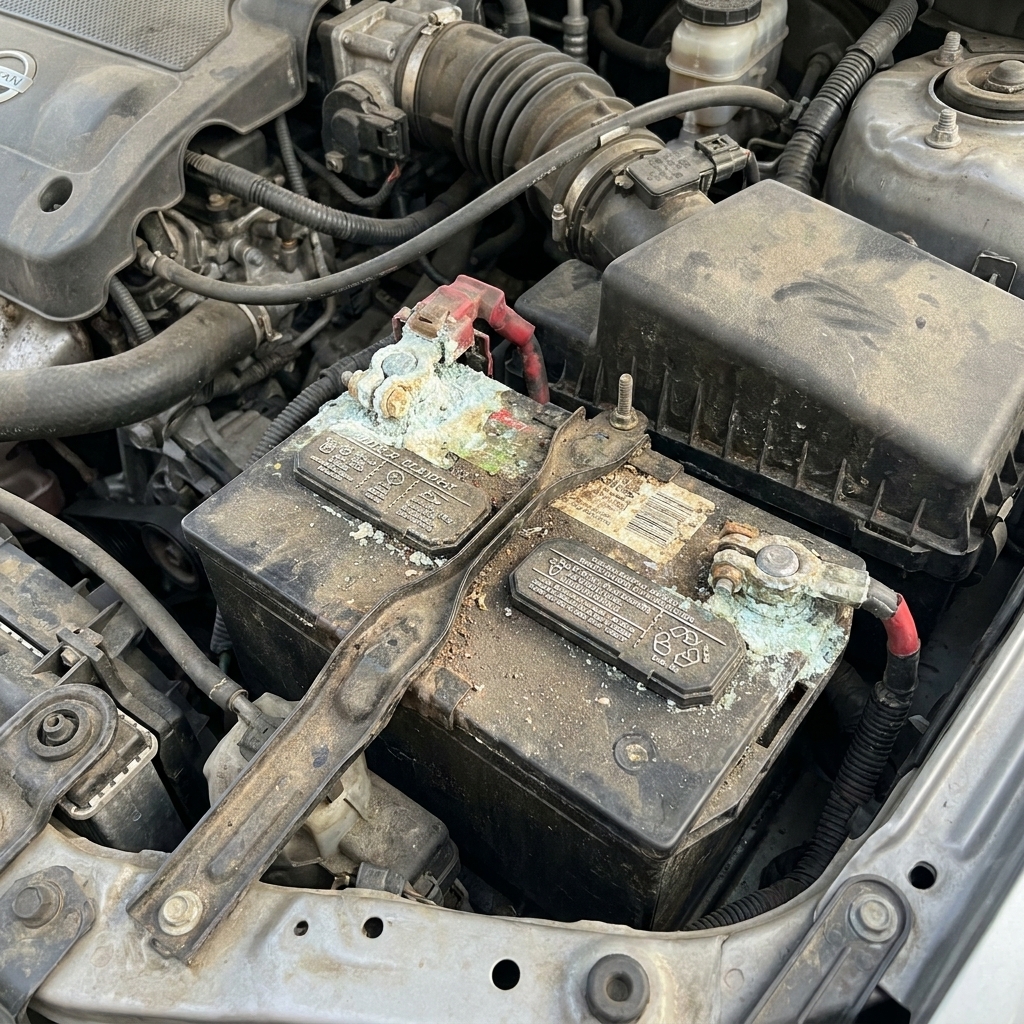
Also, while the “works only inches away” symptom most commonly points to the fob battery, interference, or a tired fob, a weak vehicle 12-volt battery or vehicle-side power issues can occasionally cause odd module behavior, poor receiver sensitivity, or sleep-mode quirks.
On many vehicles, the receiver is part of a body control module system, with an antenna wire or antenna module located in the cabin. Diagnosis usually requires a scan tool and sometimes a service manual wiring diagram.
Tricks to get you by today
Use the mechanical key
If you just need to get in, pull the hidden key out of the fob and use the driver door key cylinder (some have a cover that pops off).
Start the car even if the fob battery is dead
Many push-button start cars have a backup method, like holding the fob against the start button or placing it in a specific pocket in the console. Check your owner’s manual for the exact procedure. That system reads a passive chip and often works even when the coin-cell is weak.
When it is time to replace the fob
If you have:
- Fresh battery installed correctly
- No location-specific interference
- Both fobs have terrible range everywhere
Then you are likely looking at a failing fob transmitter or a vehicle-side receiver issue. A locksmith can often test the fob’s radio output and provide a programmed replacement for less than dealership pricing, depending on the vehicle.
If you do replace a fob, keep the old one. Even a weak one can be useful in an emergency, and some parts can be swapped (shell, key blade) if the circuit board is still good.
Quick FAQ
Can a weak car battery cause a short-range key fob?
Usually no. A weak 12-volt battery can cause all kinds of weird electrical behavior, but the classic “works only inches away” symptom most commonly comes from the fob’s coin-cell, interference, or a worn fob. Still, if your car is slow-cranking, throwing low-voltage warnings, or acting glitchy, address the 12-volt battery too.
Why does it work better right next to the driver door?
Your body and the car’s metal can affect how radio waves bounce around. When signal is weak, tiny changes in position suddenly matter, so you end up finding one sweet spot that works.
Do I need to reprogram the fob after changing the battery?
Most vehicles do not require reprogramming for a simple battery swap. If it stops working immediately after you changed it, double-check the battery orientation, the battery type, and that the contacts are not bent. Then try pressing lock and unlock a few times, and start the car once if your vehicle allows it.
What battery should I buy?
Buy the exact type listed in your owner’s manual or printed on the old battery (for example CR2032). Do not “make it fit” with a different thickness, and avoid no-name packs if you can. A quality battery tends to hold voltage better over time.
My order of attack
- Test the spare fob.
- Test the fob somewhere else to rule out interference.
- Replace the coin-cell with the correct type and correct polarity (and make sure the contacts hold it tight).
- If range is still poor, suspect fob damage or vehicle receiver issues and get it tested.
If you want to be extra methodical, jot down what you tried and where it worked. That little bit of troubleshooting discipline saves money and prevents the classic parts cannon approach.