If your car has been cranking slow, clicking, or acting like it has a bad attitude on cold mornings, do not overlook the boring stuff. A crusty battery terminal can choke off power like a kinked garden hose. The good news is you can usually fix it in under 30 minutes with a couple household supplies and a little patience.
I have cleaned enough battery terminals in shop parking lots to know this truth: corrosion looks scary, but it is usually a very manageable DIY job. Let’s get you back to clean metal and reliable starts.
What corrosion is and why it happens
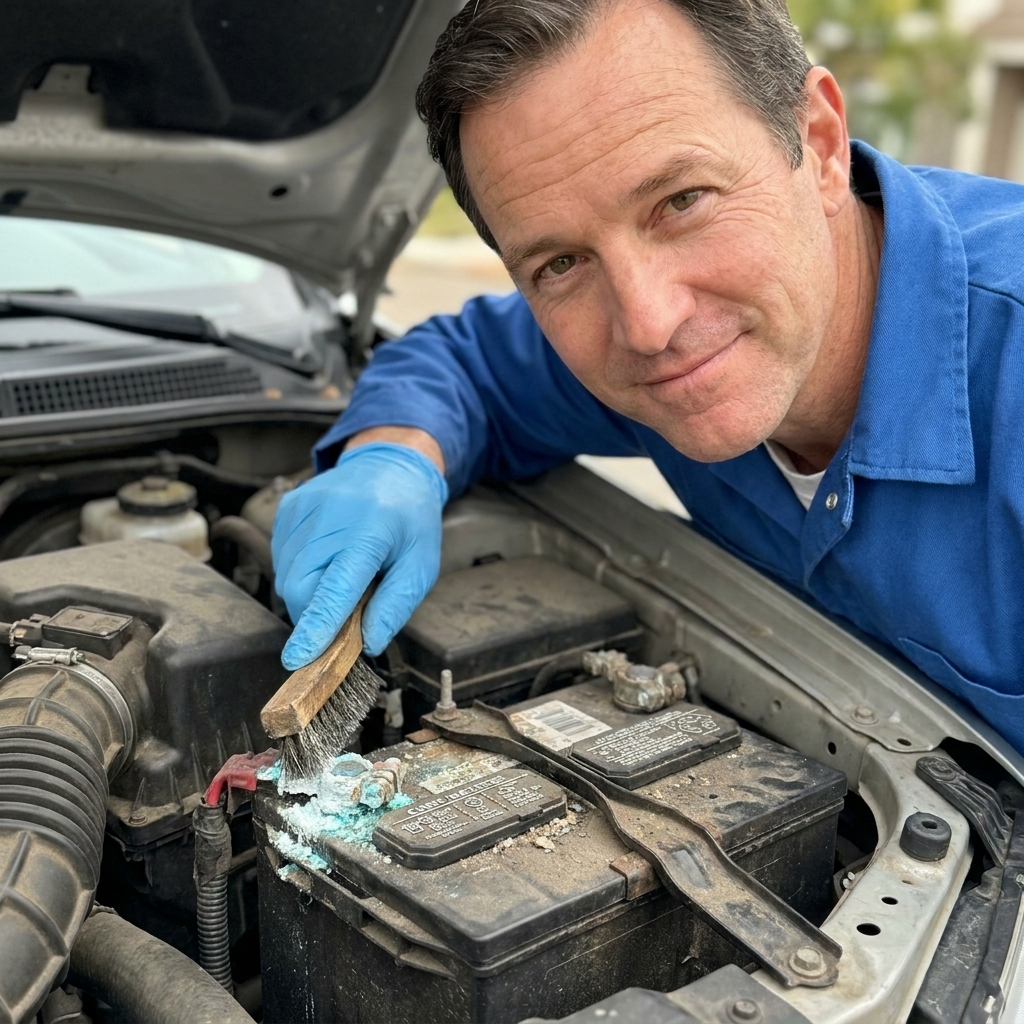
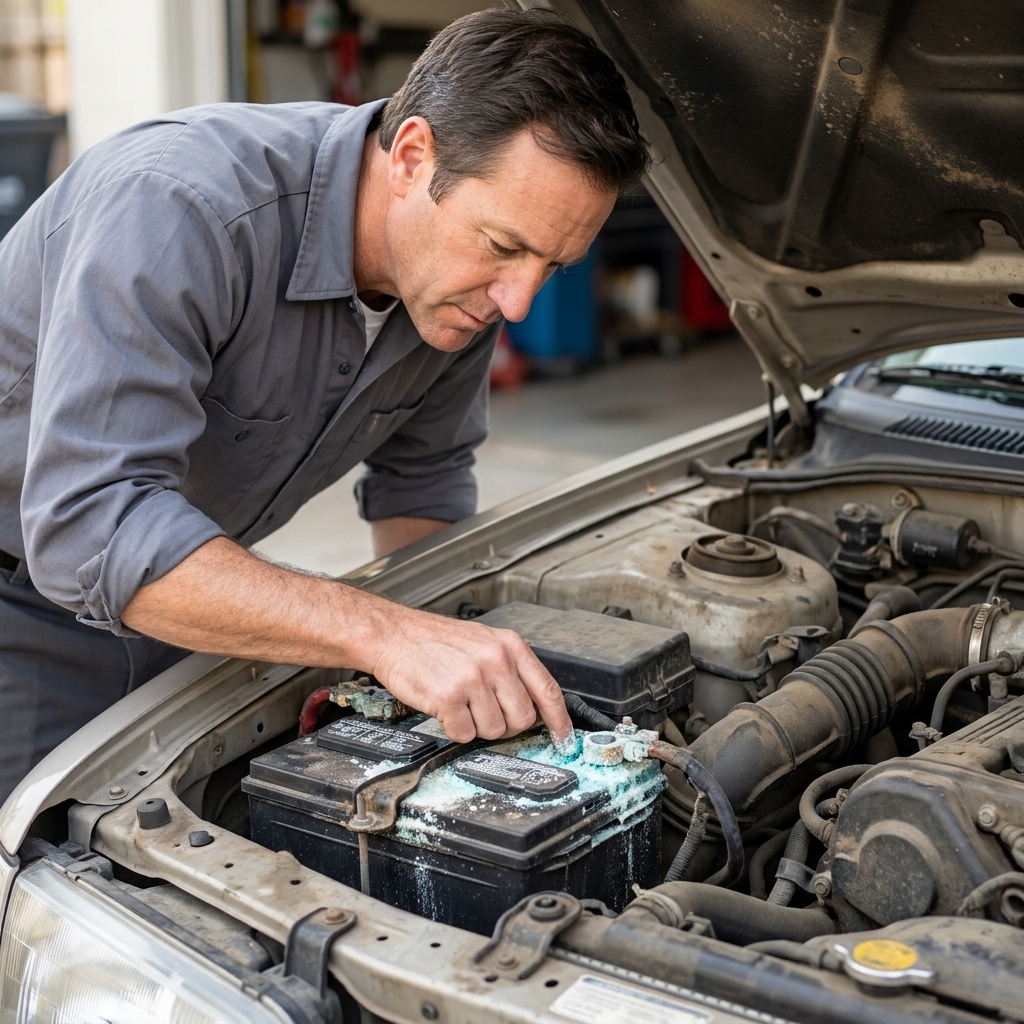
That white, blue, or green crust around the terminals is corrosion from chemical reactions at the battery posts. On many cars, batteries can vent small amounts of vapor, especially if they are being overcharged or running hot. The electrical connection itself can also create byproducts over time. Add heat, humidity, and road grime, and you get that fuzzy science experiment growing on your terminals.
If you want the slightly nerdier version: the fluffy blue-green stuff is often copper sulfate from the cable or clamp, while white powder is commonly lead sulfate or oxidation around the post. Either way, it is bad for electrical contact.
Common causes include:
- Loose terminals that allow tiny arcs and extra resistance
- Overcharging from a faulty alternator or voltage regulator (more gassing, more vapor)
- Battery age and normal venting
- Acid seepage around the posts, especially on older batteries
Corrosion adds resistance. Resistance steals voltage. And low voltage is what makes starters click, electronics act weird, and batteries “test bad” when they are really just struggling to breathe through a dirty connection.
Safety first
You are working around acid residue and a power source that can deliver a lot of current fast. Keep it simple and safe.
- Wear eye protection. One splash of acidic slurry is all it takes to ruin your day.
- Wear gloves if you have them.
- No smoking or sparks near the battery. Batteries can vent hydrogen gas.
- Work on a cool engine if possible, so you are not leaning into hot parts.
If the battery case is swollen, cracked, or leaking liquid, skip the DIY cleaning and replace the battery. Cleaning will not fix a damaged battery and it can be hazardous.
Tools and supplies
You do not need a fancy kit. Here is what I reach for most often:
- Baking soda
- Water (warm helps)
- An old toothbrush or small nylon brush
- Battery terminal brush (nice to have, cheap, works great)
- 10mm wrench or socket (very common for terminal clamps)
- Rags or paper towels
- Small cup for mixing
- Optional: petroleum jelly (Vaseline) or battery terminal protector spray
- Optional: zip ties or a bungee to keep cables from flopping around
Skip the myths: You might hear about using Coke. It can work in a pinch because it is mildly acidic, but it is sticky and leaves residue. Baking soda and water are cleaner and do the job the right way by neutralizing acid.
One more practical note: Try to keep the baking soda solution off painted surfaces and rinse or wipe any drips promptly. The goal is to neutralize and remove the mess, not spread it around the engine bay.

Clean battery terminals
1) Turn the car off
Make sure the ignition is off, keys out, and headlights are off. Find the battery. On some cars it is under a cover, in the trunk, or tucked in a fender well.
If your battery is in the trunk or under a seat, the same rules apply, but be extra mindful of ventilation and keeping the mess contained.
2) Plan for memory loss
Disconnecting the battery can wipe radio presets and, on some vehicles, trigger an anti-theft radio code or require a quick relearn for windows and steering sensors. If that would ruin your afternoon, look up your vehicle’s procedure first or use a memory saver tool and follow its instructions carefully.
3) Disconnect in the correct order
This matters.
- Remove the negative terminal first (usually marked with a minus sign, and often has a black cable).
- Remove the positive terminal second (marked with a plus sign, often a red cable).
Why? If your wrench touches body metal while you are loosening the positive terminal, you can short the battery. Removing the negative first reduces that risk.
4) Mix baking soda solution
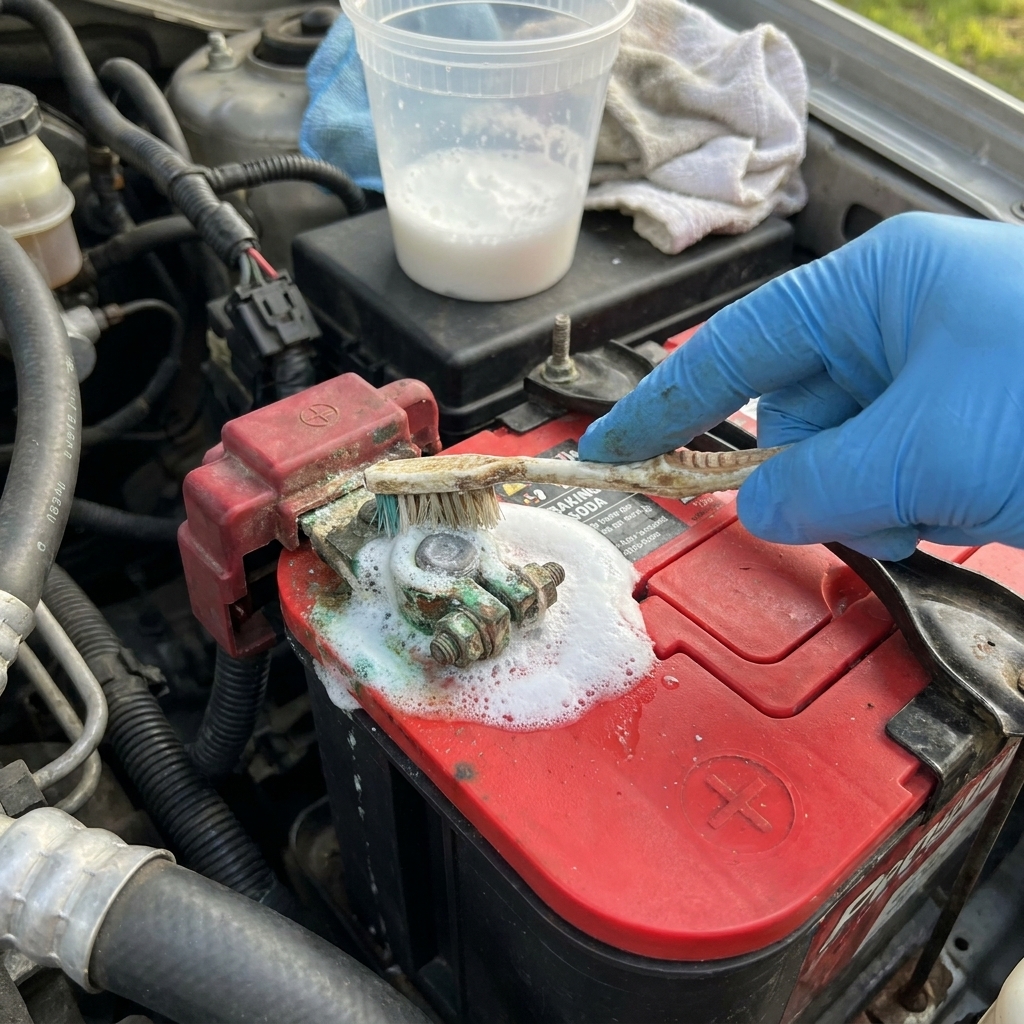
In a small cup, mix about 1 tablespoon of baking soda with 1 cup of water. No need to be perfect. You just want a slurry that can neutralize acid.
5) Neutralize and scrub
Dip your toothbrush in the solution and apply it to the corroded areas on:
- Battery posts
- Terminal clamps
- The exposed metal parts of the cable ends
- The battery top (if it is grimy)
You will often see fizzing. That is the baking soda neutralizing acid. Keep scrubbing until the crust breaks up and you can see metal again.
Tip from the shop: If the corrosion is thick, let the solution sit for 2 to 3 minutes, then scrub again. Two passes beat going at it like you are sanding a deck.
6) Clean the clamp interiors
This is the part many DIYers miss. The connection point is the inside of the clamp where it grips the battery post.
Use a battery terminal brush if you have one. If not, your toothbrush can help, but a terminal brush does a better job shaping the surface back to clean metal.
Keep going until:
- The battery posts look like clean lead
- The clamp interiors look bright and uniform
- There is no chunky residue left
If the posts are badly pitted, a clamp is cracked or stretched, or the clamp will not tighten securely, replace the terminal end or the cable. Cleaning cannot fix worn-out hardware.
7) Rinse carefully
Wipe everything down with a damp rag, or use a small amount of clean water to rinse the area you scrubbed.
Do not flood the battery and do not dump water into fuse boxes or nearby electrical connectors. A controlled wipe-down is usually enough.
8) Dry it
Dry the posts, clamps, and battery top with a rag or paper towels. A dry connection is a happy connection.
9) Reconnect in the correct order
Reverse the order you removed them:
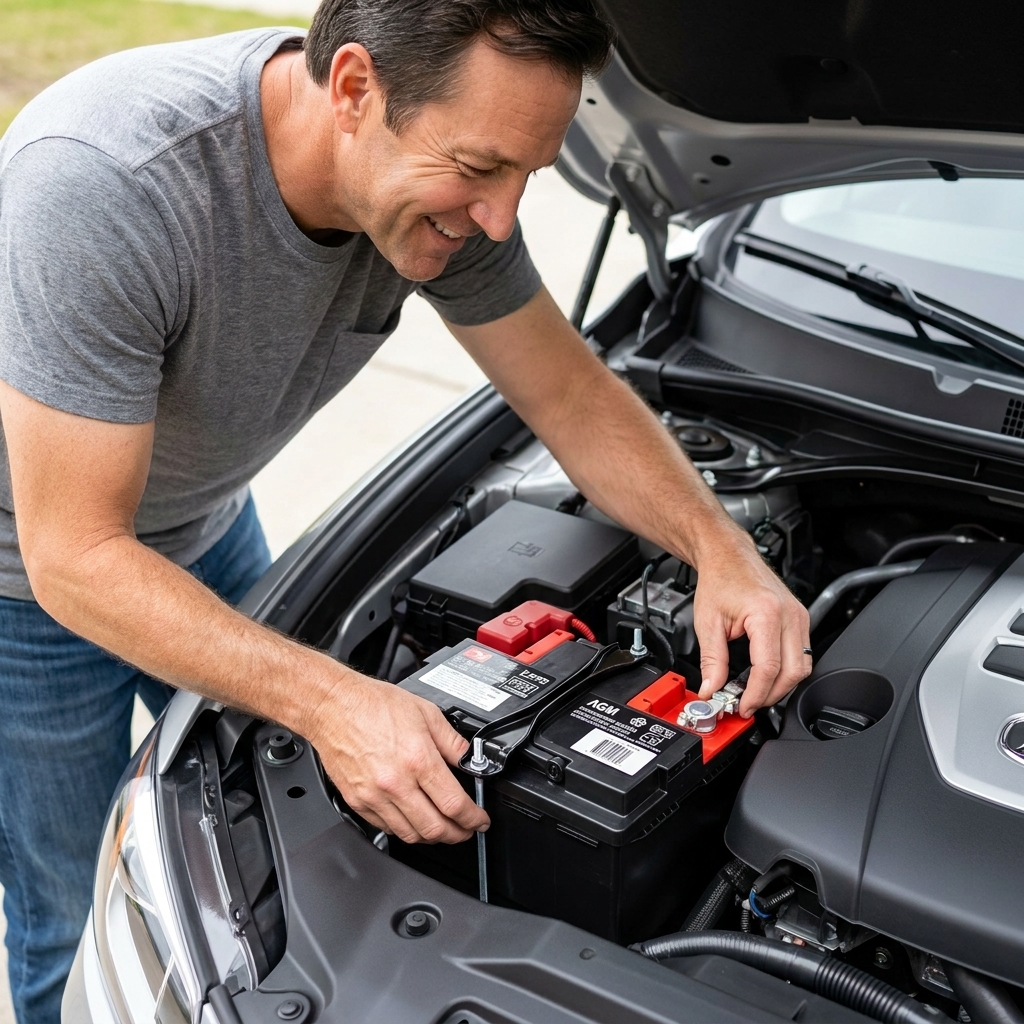
- Install the positive terminal first
- Install the negative terminal second
Make the clamps snug. They should not rotate on the posts by hand. Do not over-tighten either, because you can damage the clamp, strip the bolt, or deform the softer lead post.
10) Start the car
Start the engine. You are listening for:
- Stronger, faster cranking
- No clicking
- No flickering interior lights
If the car still struggles to start, your battery may be weak, your alternator may not be charging properly, or you may have a starter or cable issue. Clean terminals are step one, not a magic wand.
Stop corrosion from coming back
Cleaning is great. Preventing is better. Here is what actually works in the real world.
Add protection
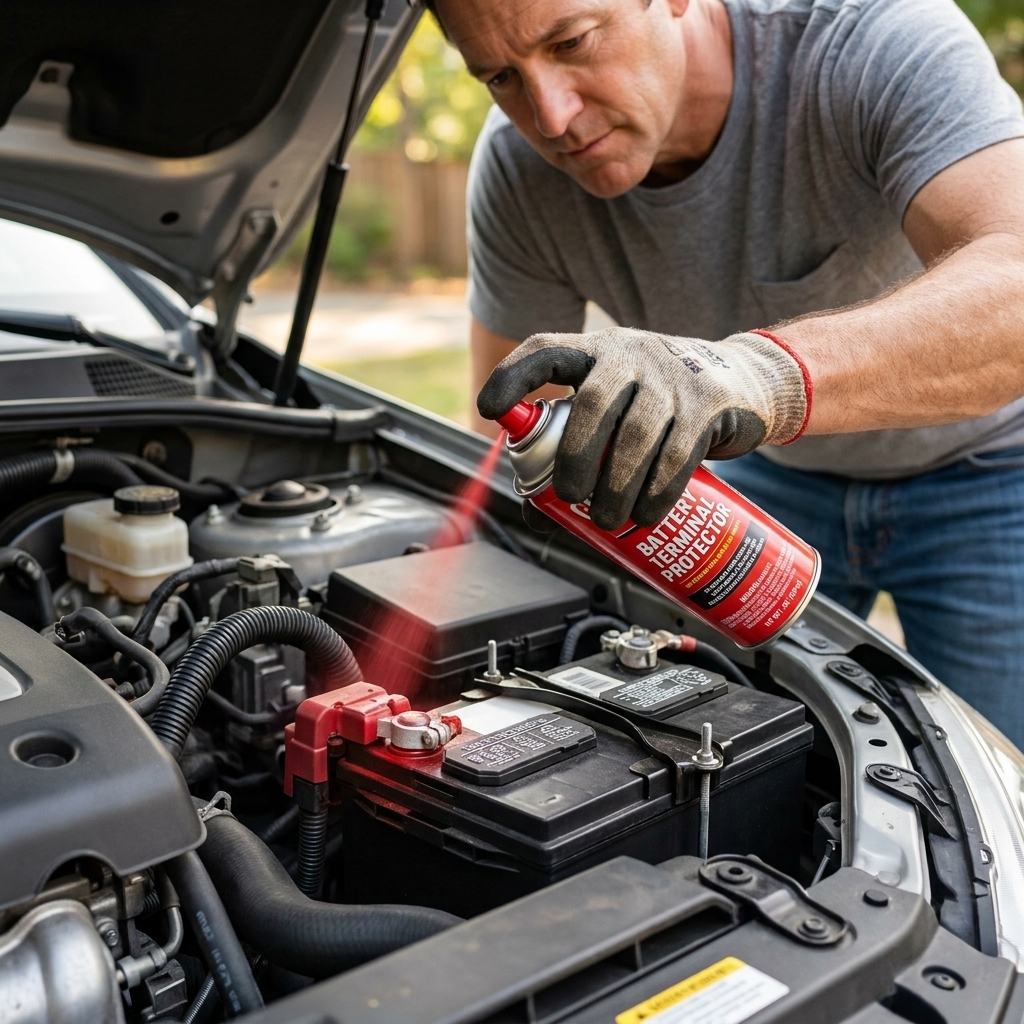
Once the terminals are clean and dry, you can protect them with:
- Petroleum jelly: a thin film on the posts and the outside of the clamps
- Battery terminal protector spray: easy and clean, usually dries to a waxy coating
- Dielectric grease: works best on the outside of the connection, not as a “conductive paste” between metal surfaces
Important detail: you want clean metal-to-metal contact where the clamp grips the post. Apply the protectant after everything is tight, focusing on the exposed metal to block moisture and vapor.
Make sure terminals are tight
A slightly loose terminal can accelerate corrosion and cause intermittent no-start issues. After installation, try twisting the clamp by hand. If it moves, snug it up.
Keep the battery top clean
Grease and grime can hold moisture, which encourages corrosion. Every couple months, a quick wipe of the battery top and terminal area goes a long way.
If it keeps coming back, check charging
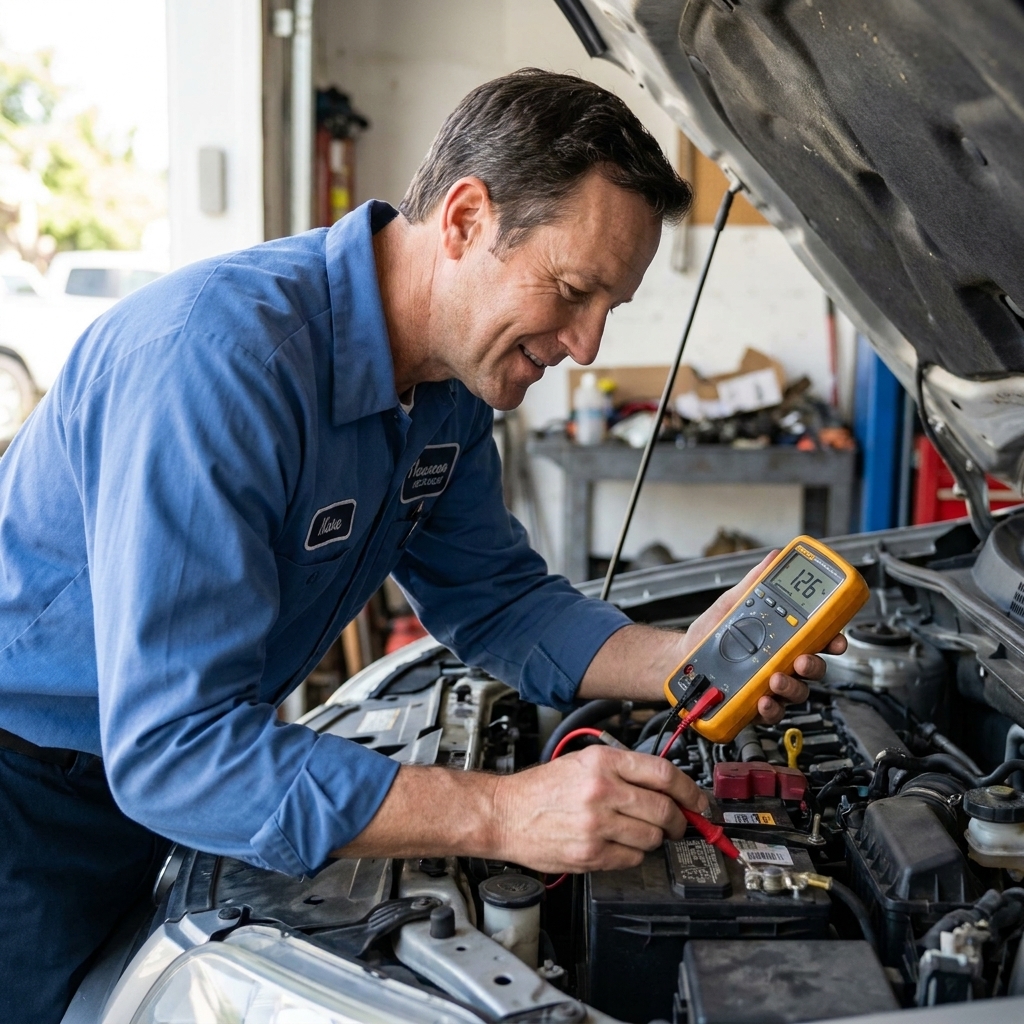
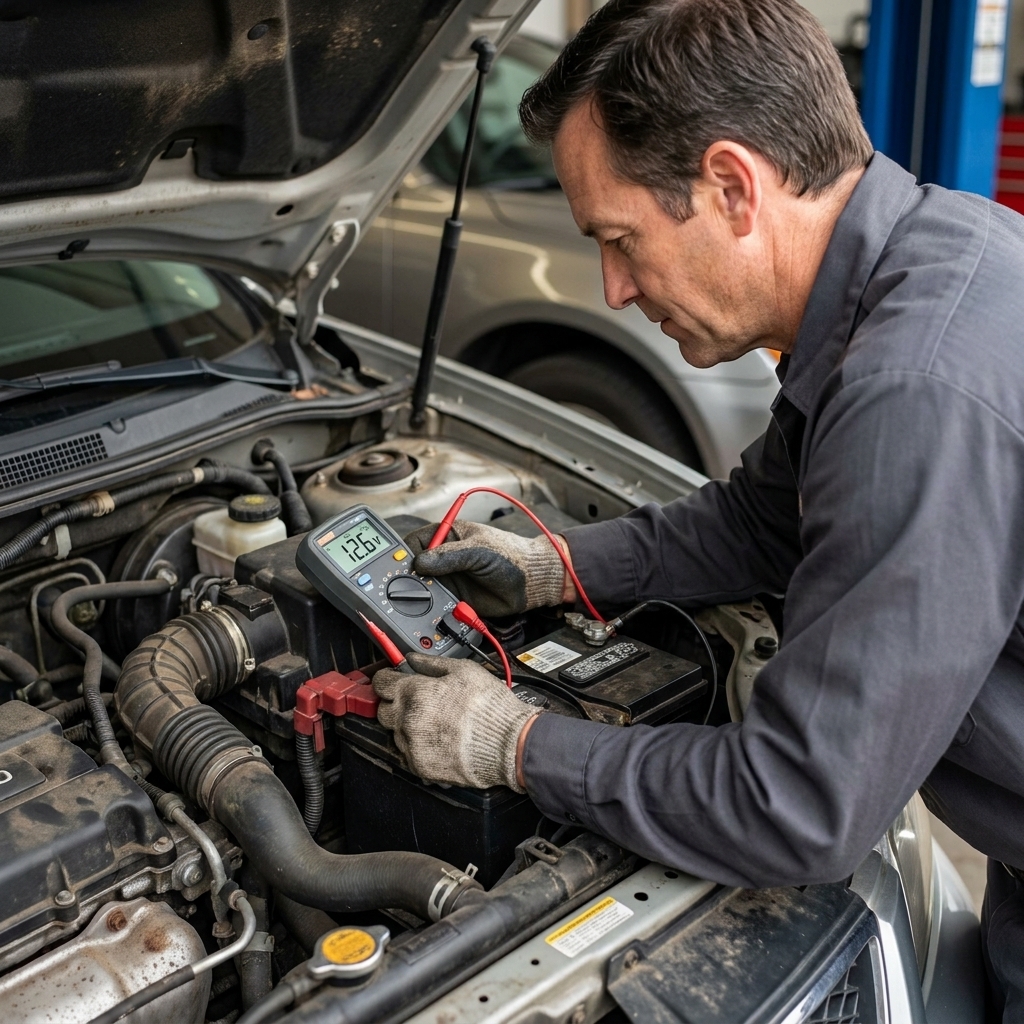
If you are cleaning terminals every few weeks, something else may be going on. Overcharging can cause excessive gassing. If you have a multimeter, a quick check with the engine running will often show charging voltage roughly in the mid-13s to mid-14s on many vehicles, but modern smart-charging systems can run lower or higher depending on temperature, battery state, and strategy. If you are seeing consistently abnormal readings or you are unsure what is normal for your vehicle, get the charging system tested or check service information.
When corrosion is not the whole problem
Sometimes corrosion is a symptom, not the whole story. Consider replacing parts or getting a diagnosis if you notice:
- Cracked or swollen battery case
- Corrosion traveling deep into the cable under the insulation (cables may feel stiff or bulged)
- Repeated corrosion in a short time even after cleaning and protecting
- Intermittent electrical issues like random resets, flickering dash lights, or hot cable ends
If the cable is compromised, cleaning the end will not restore the copper inside. A bad cable can mimic a dead battery all day long.
Quick FAQ
Can I clean terminals without disconnecting the battery?
You can wipe light surface grime, but for real corrosion removal, I recommend disconnecting the cables. It is safer and you can actually clean the clamp surfaces properly.
Is baking soda safe for batteries?
Used externally, yes. Baking soda and water neutralize acid residue on the outside of the battery and the terminals. Avoid getting the mixture inside vent caps on serviceable batteries.
What if the clamp will not come off the post?
Do not pry on the battery case. First, make sure the pinch bolt is loose enough. Then gently wiggle the clamp. A dedicated terminal puller is the cleanest solution if it is really stuck.
Do the red and green felt washers work?
They can help, especially combined with proper tightening and a light protective coating. They are not a substitute for a clean, tight connection.
My car lost radio presets after disconnecting the battery. Is that normal?
On many cars, yes. Some vehicles also need a window auto-up reset or steering angle sensor relearn. If you want to avoid memory loss, you can use a memory saver tool, but follow the tool instructions carefully.
A simple routine that pays off
I have watched people replace a battery, then an alternator, when the real issue was corrosion and a loose terminal. Clean connections are not glamorous, but they are foundational.
If you take nothing else from this guide, take this: clean metal, tight clamps, protected surfaces. Do that once or twice a year, especially before winter, and you will dodge a lot of no-start headaches.